

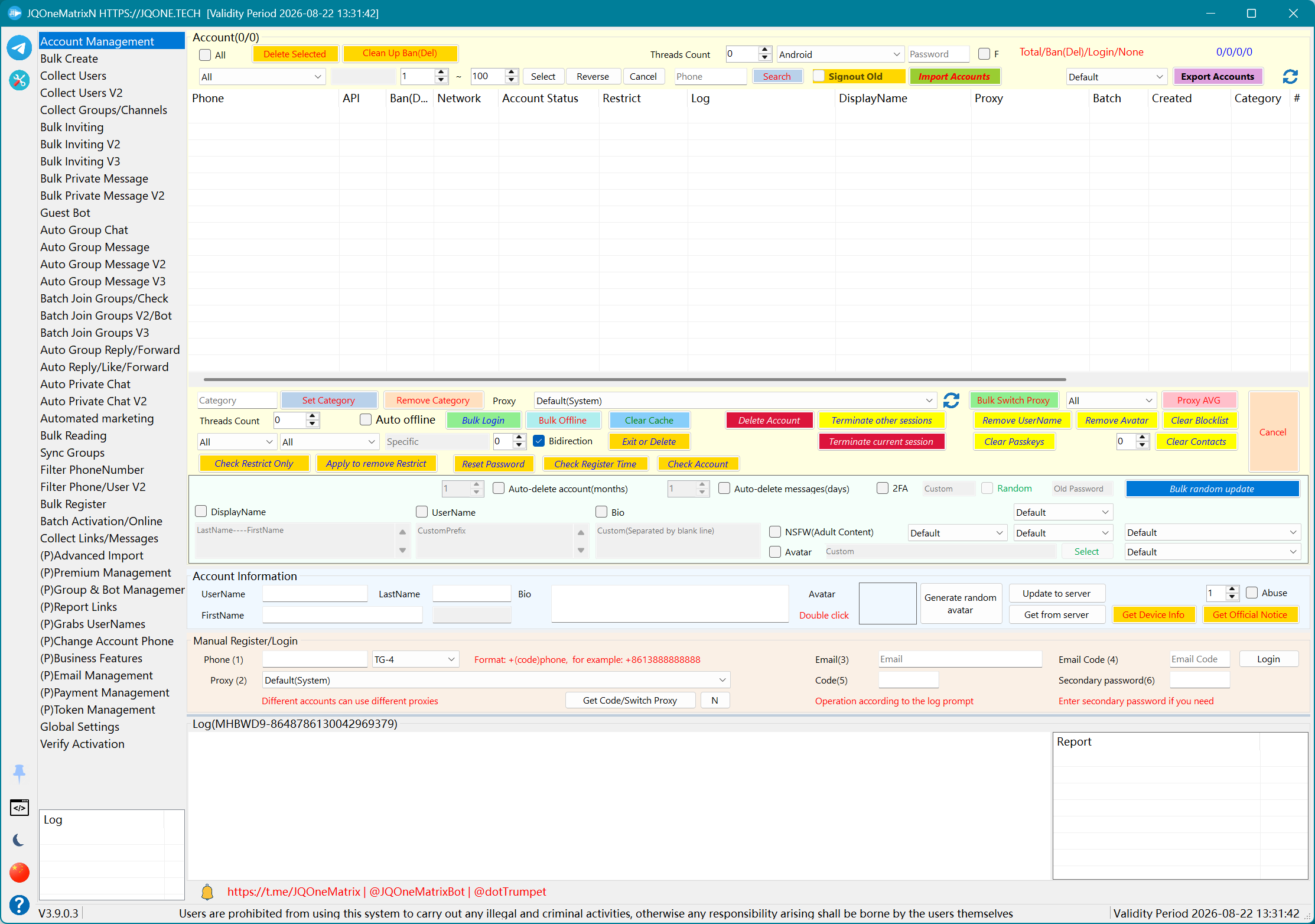
Account access & advanced import
Manage accounts, device profiles and new-device authorization.
- Account management and login checks
- Session and TData import / export
- Passkey device authorization
- 2FA, privacy and profile updates
JQONE.TECH · Windows desktop app
Bring account access, bulk registration, data collection, messaging, group operations, Premium resources and token management into one desktop application.
Contact @dotTrumpet @JQOneMatrixBot @JQOneMatrix
Explore JQOne.Register with its web dashboard, built-in worker, and remote Clients.
Core capabilities (selection)
This section shows common capabilities, not every available function. The actual entry list varies by license and version.
Manage accounts, device profiles and new-device authorization.
Manage numbers, email and registration tokens.
Prepare users, groups, channels, links and messages.
Coordinate direct, group and media messaging.
Handle member invites, group joining and profile maintenance.
Respond to group, private and message events automatically.
Use licensed identity and group administration tools.
Control batch work through datasets, proxies and logs.
Summarize task execution with result exports, exception alerts, and history tracking.
Product interface (selection)
These are partial screenshots to illustrate major workflows only. The exact interface and available modules vary by authorized version.
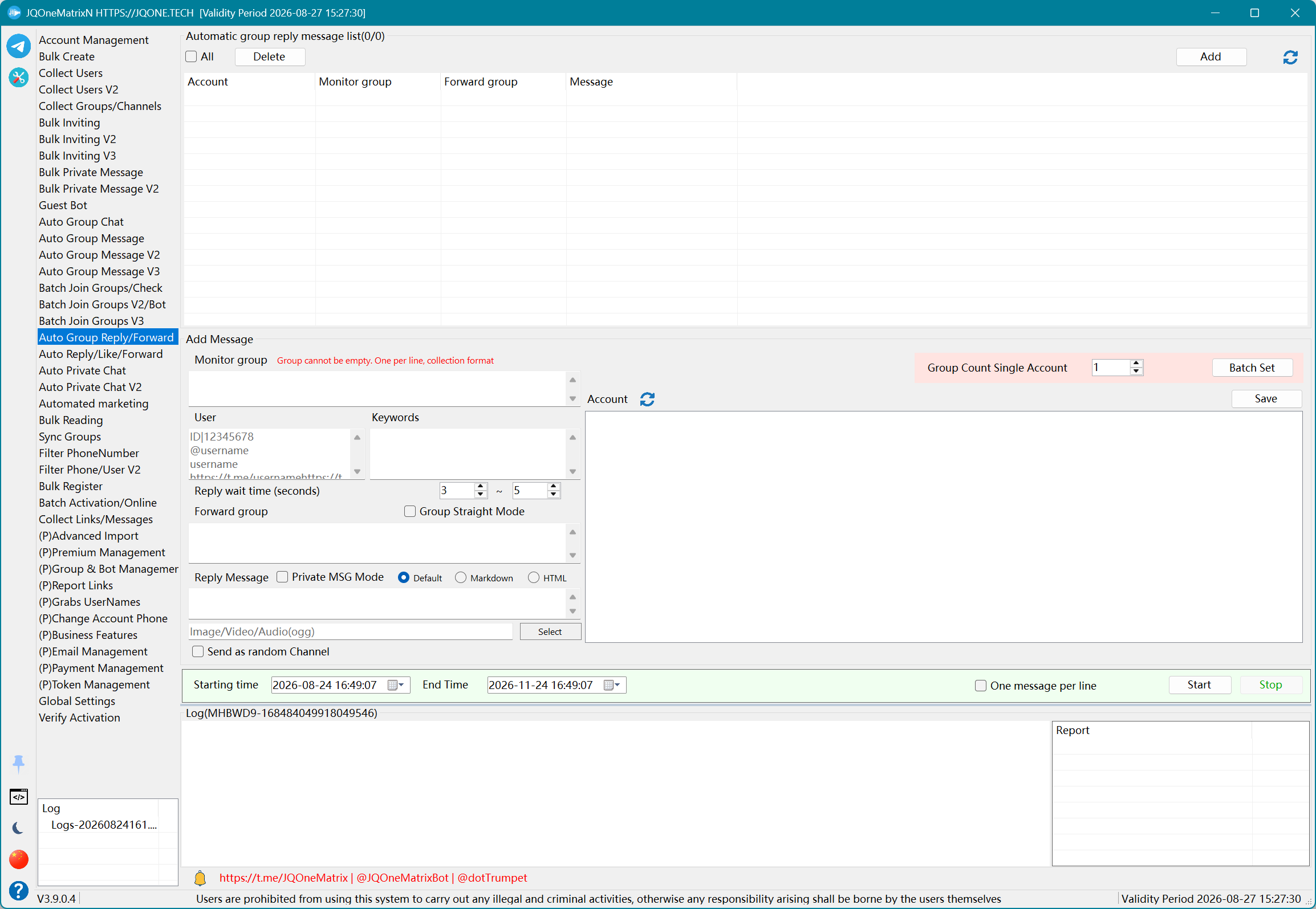
Configure monitored targets, keywords and response content.
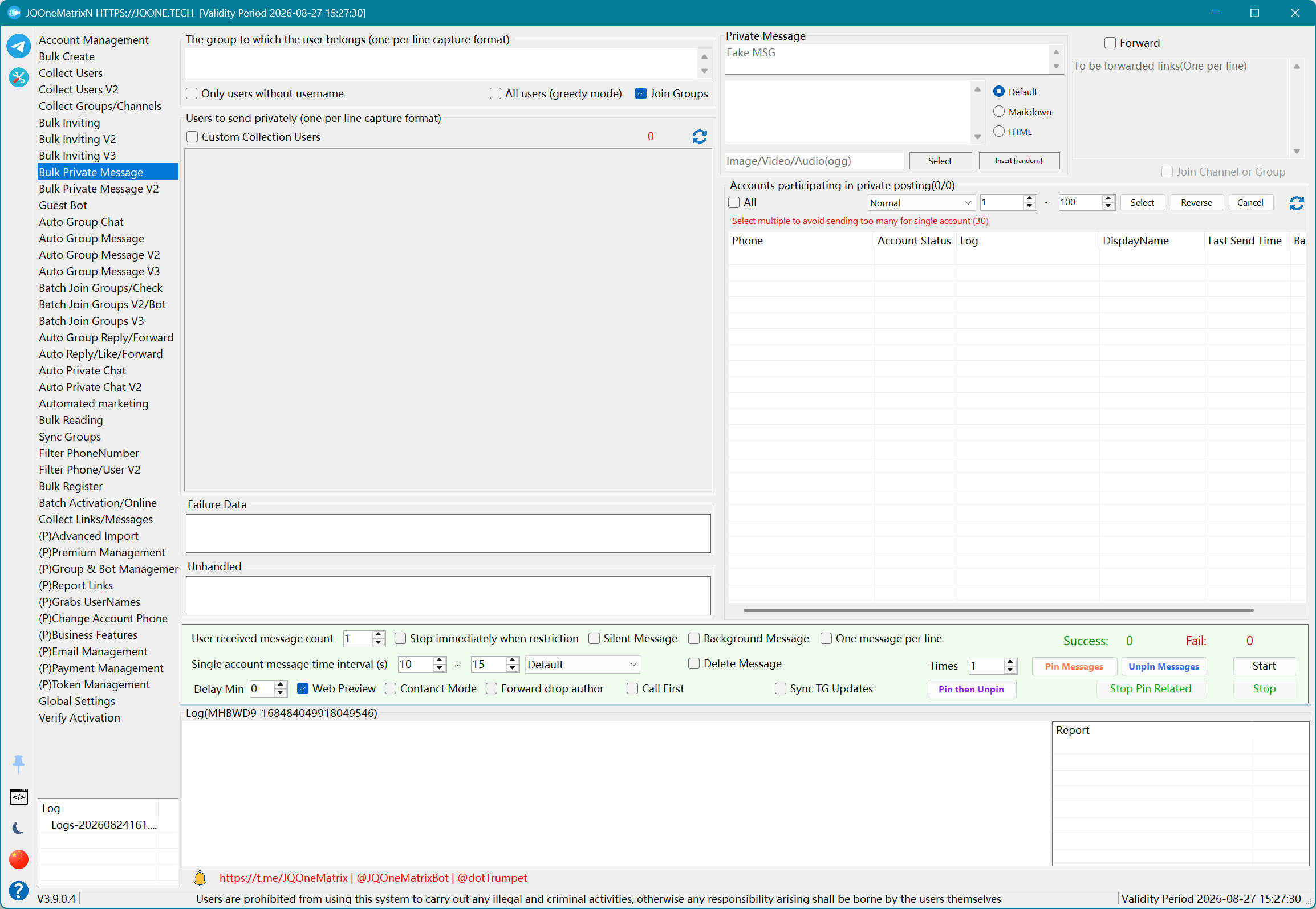
Use Default, Markdown, HTML, media, stickers, Bot commands and contact sharing.
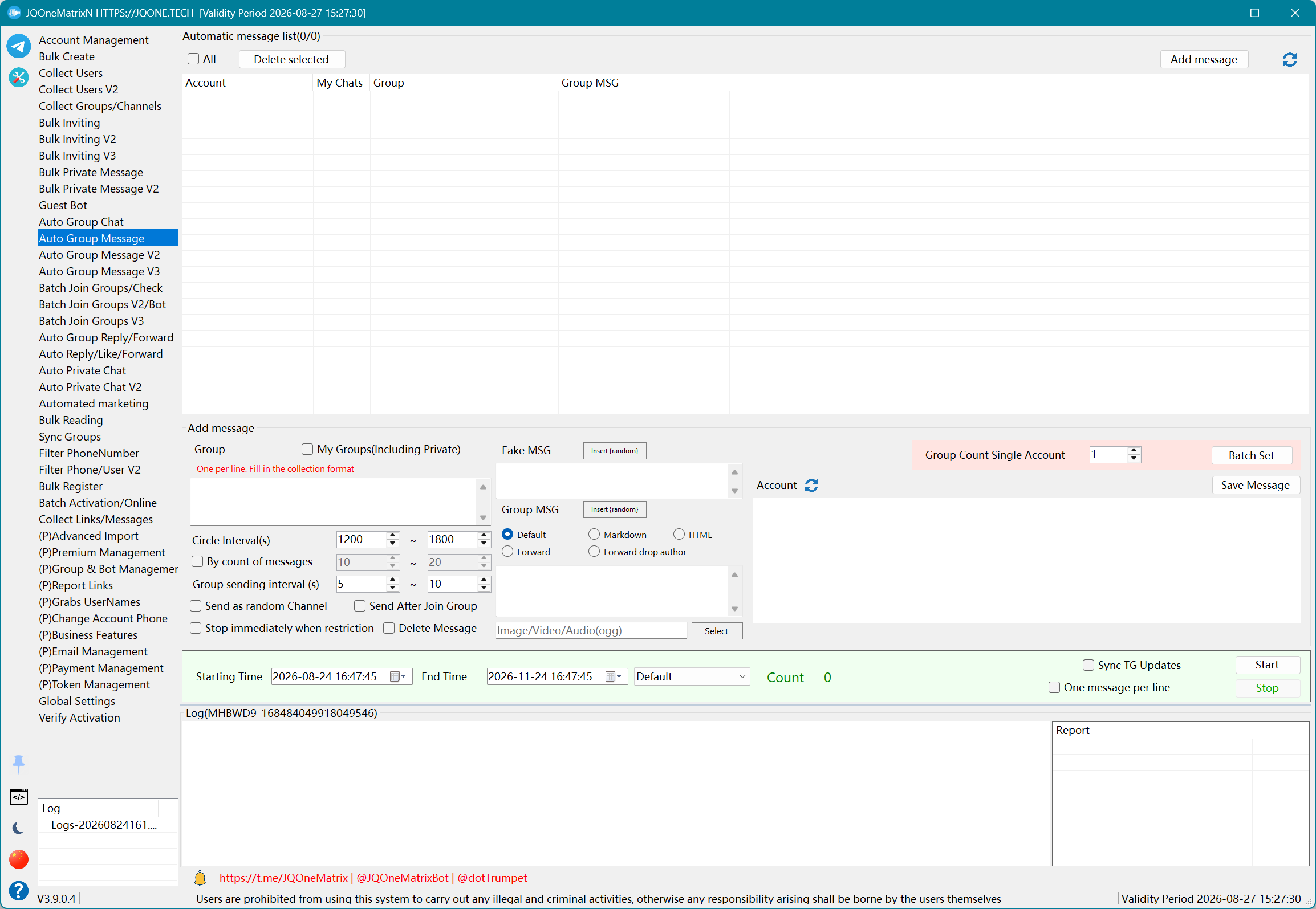
Coordinate content, media, accounts, groups, concurrency and timing.
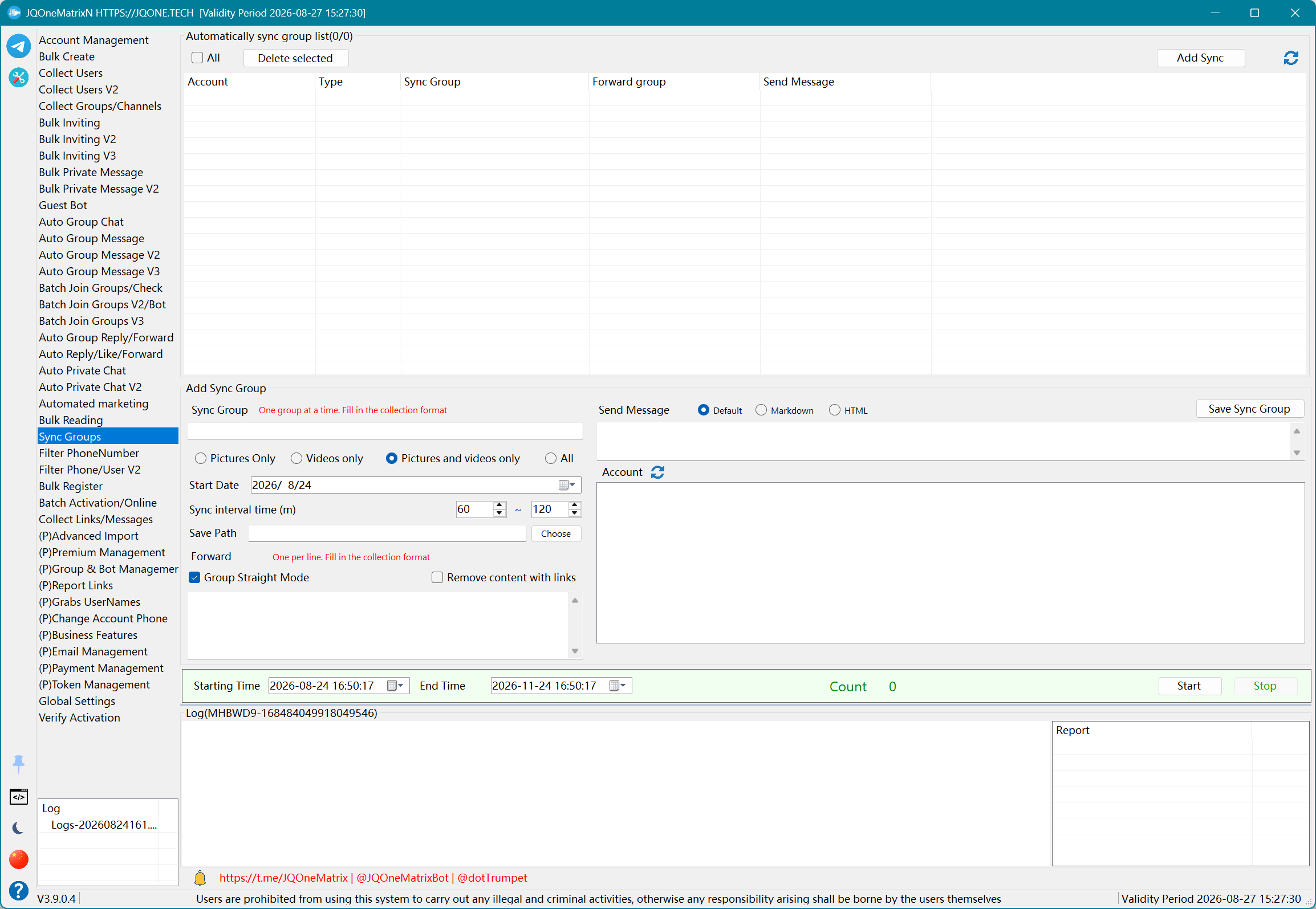
Set source and destination groups for content synchronization.
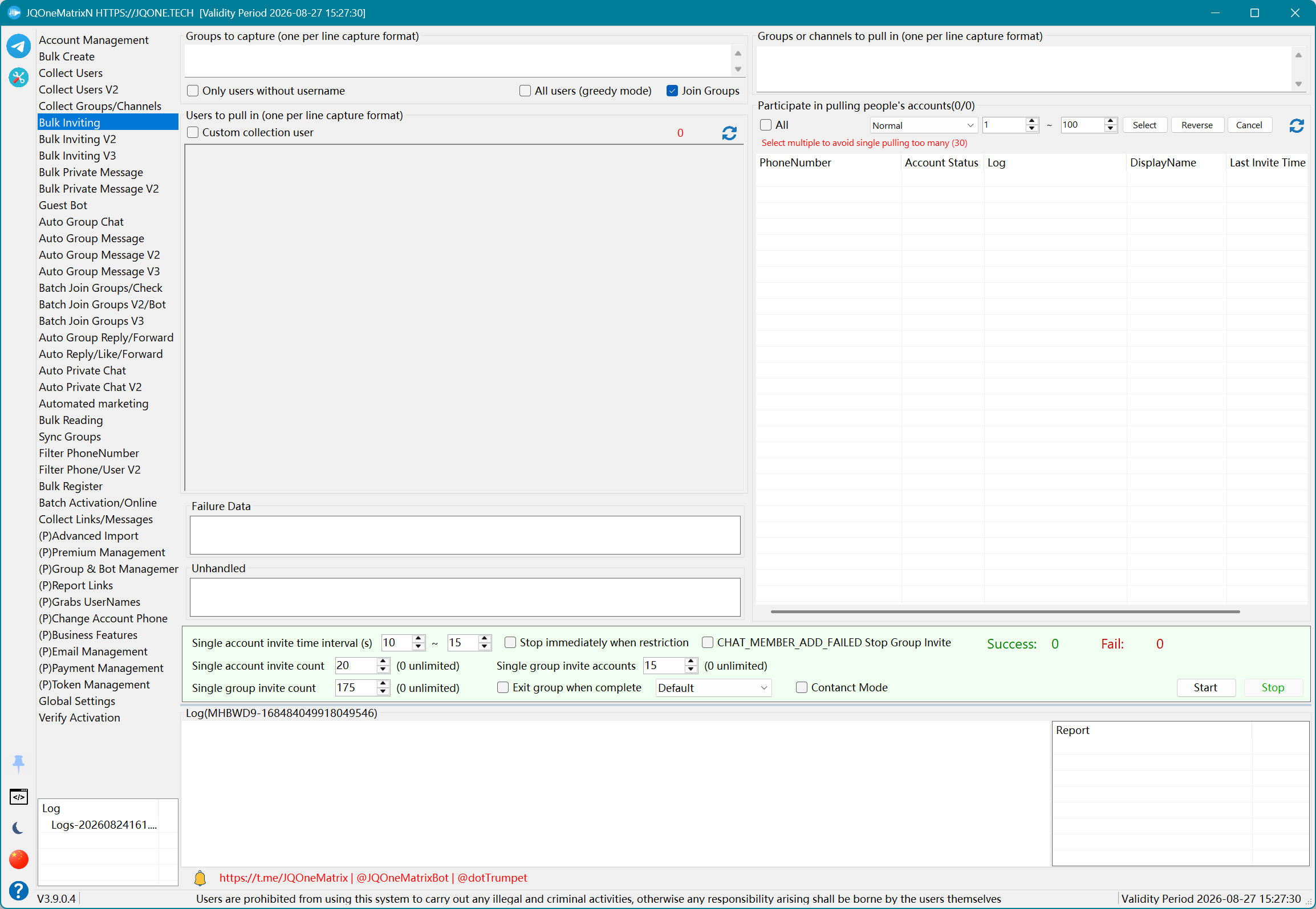
Control accounts, groups, threads, intervals and optional group-title changes.
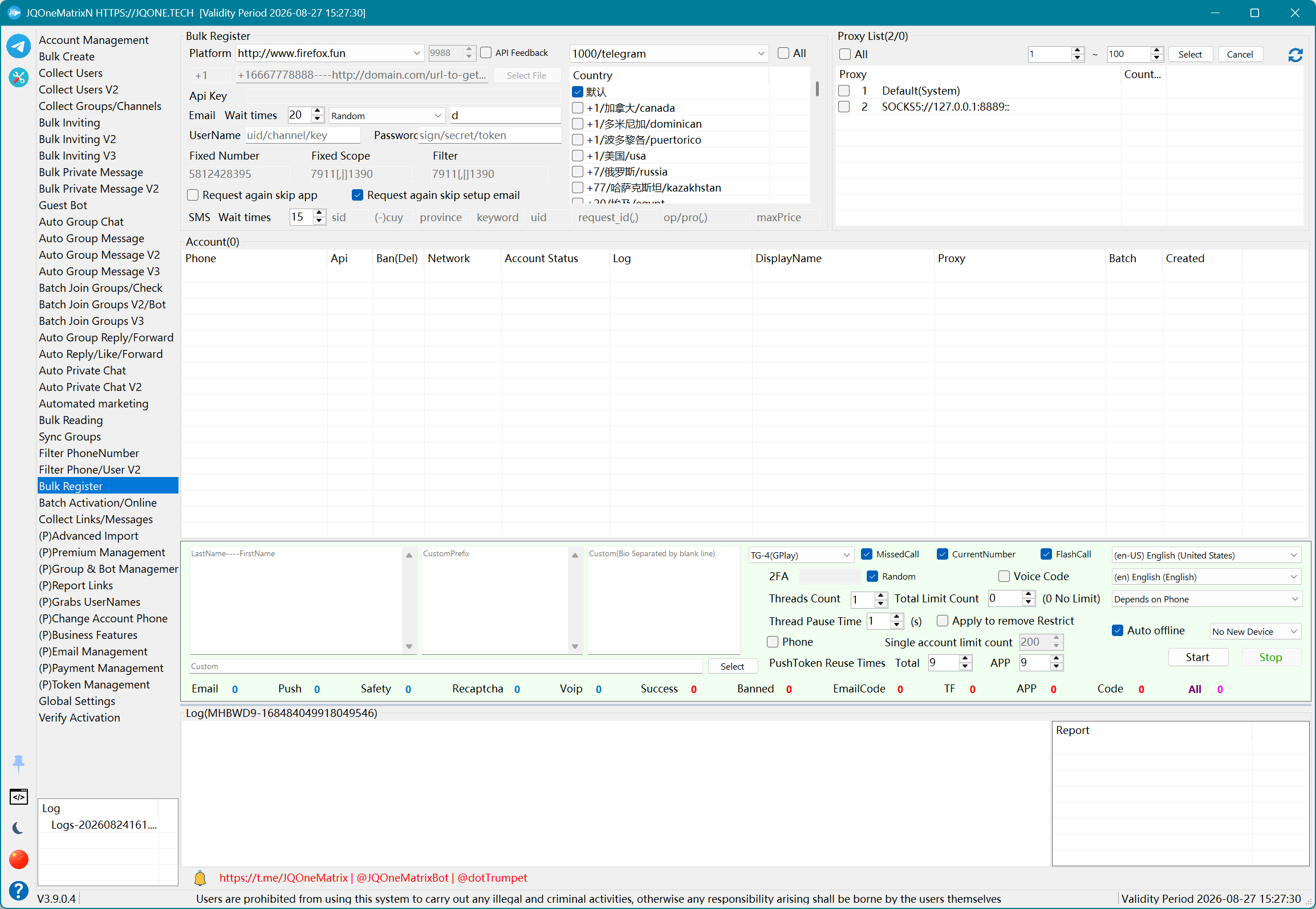
Configure providers, numbers, proxies, verification resources and one-week Premium tokens.
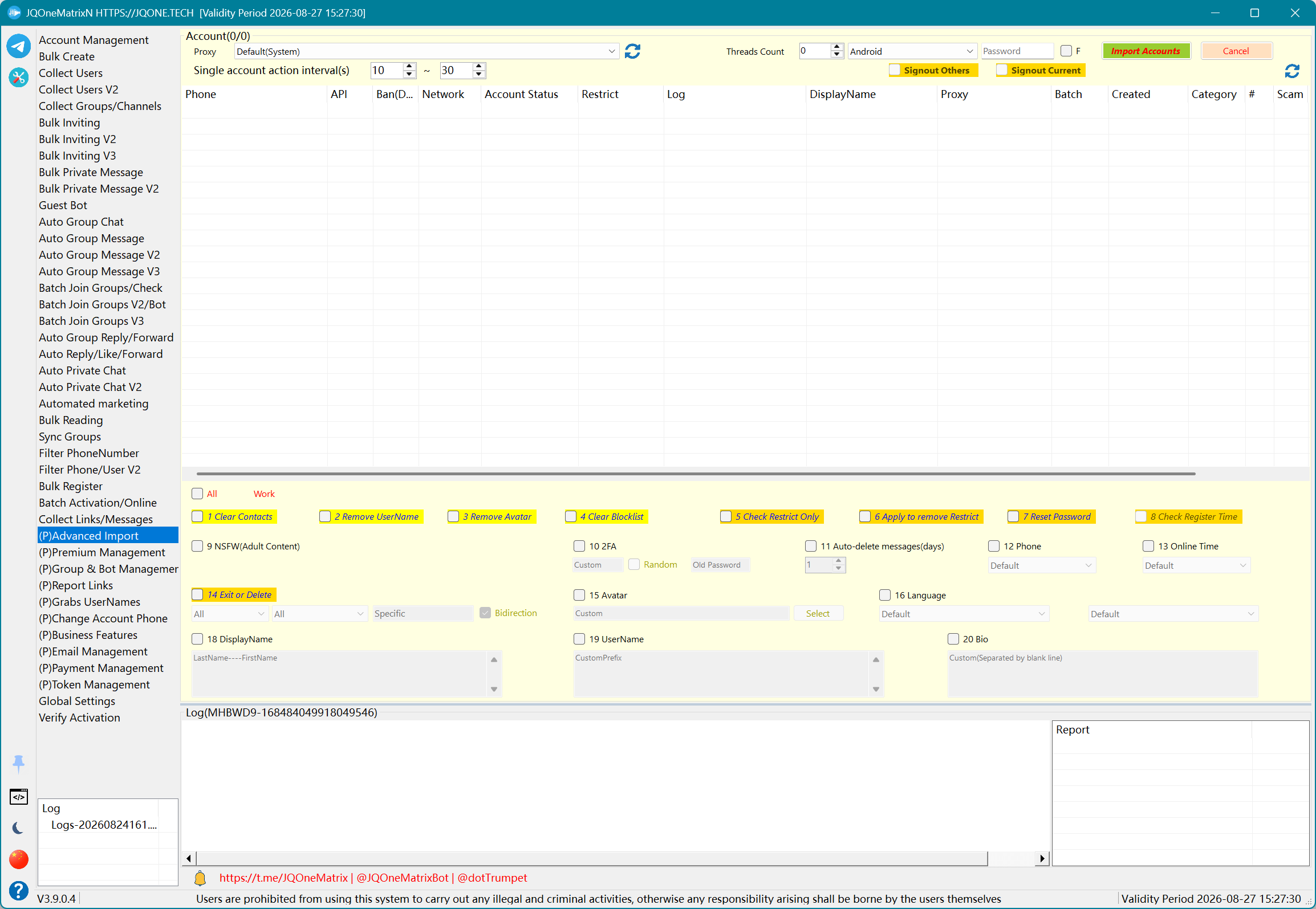
Authorize a new device from an imported session through the Passkey workflow.
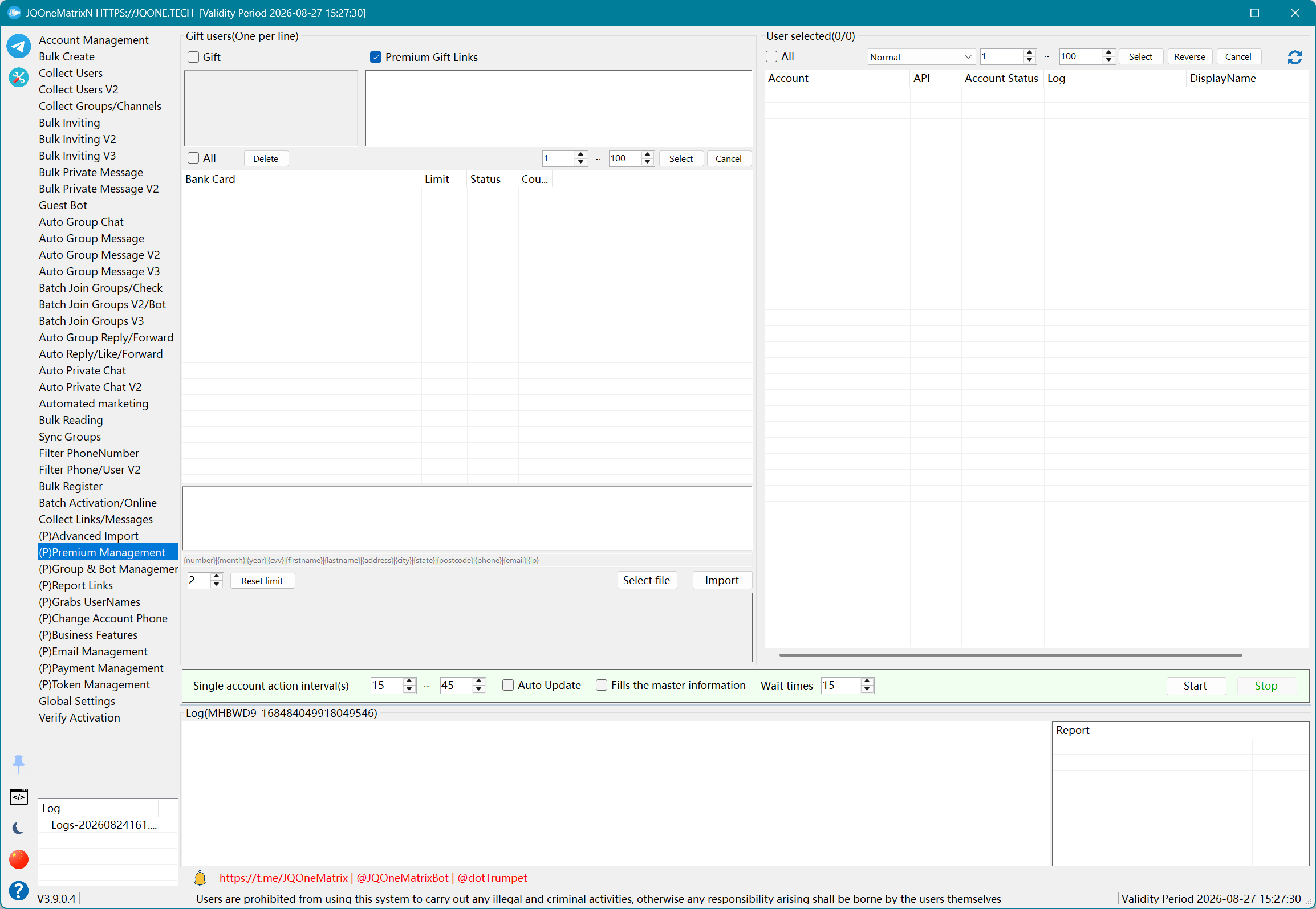
Manage Premium, email, Payment and registration tokens centrally.
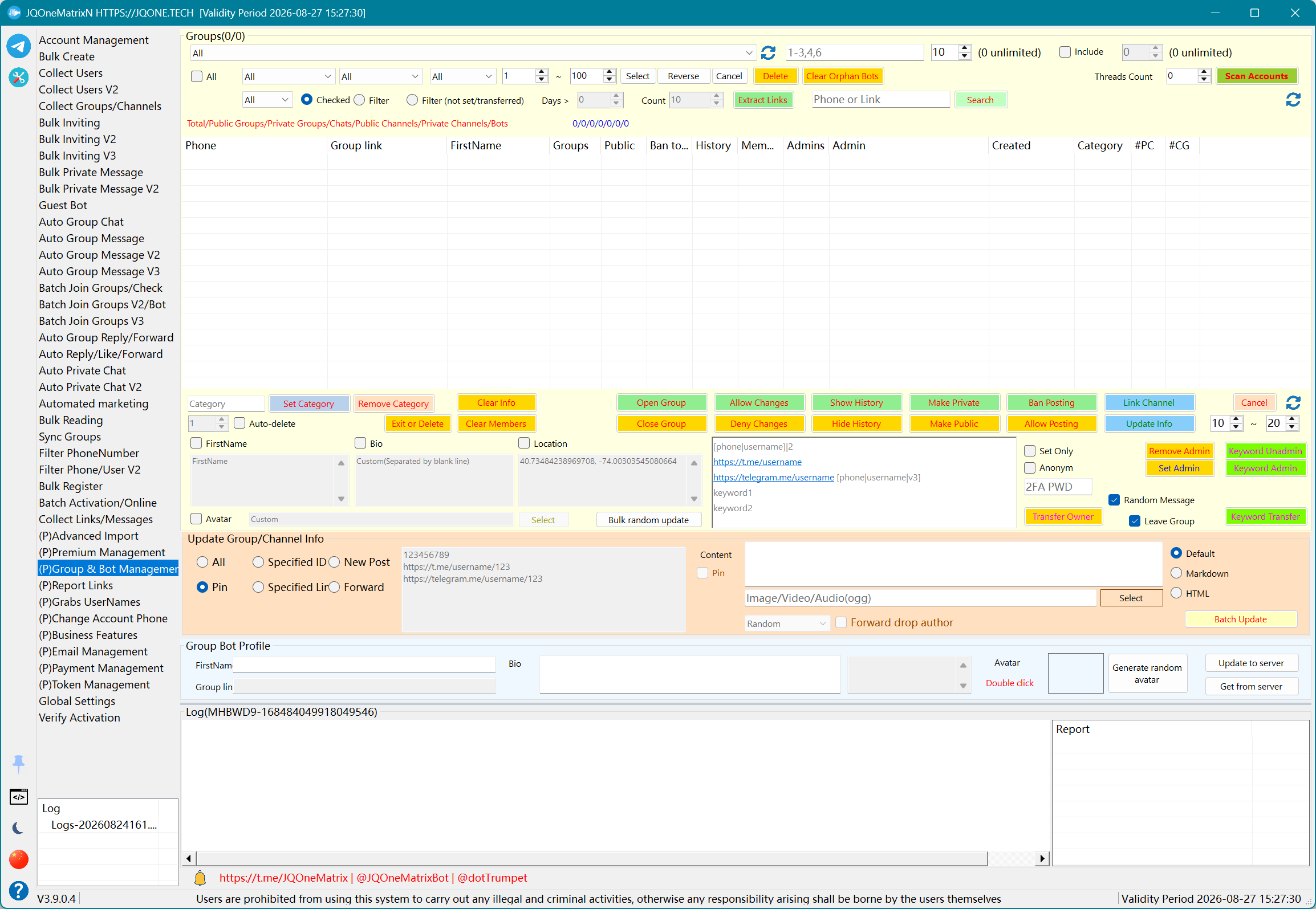
Manage profiles, admins, history, visibility and linked group operations.
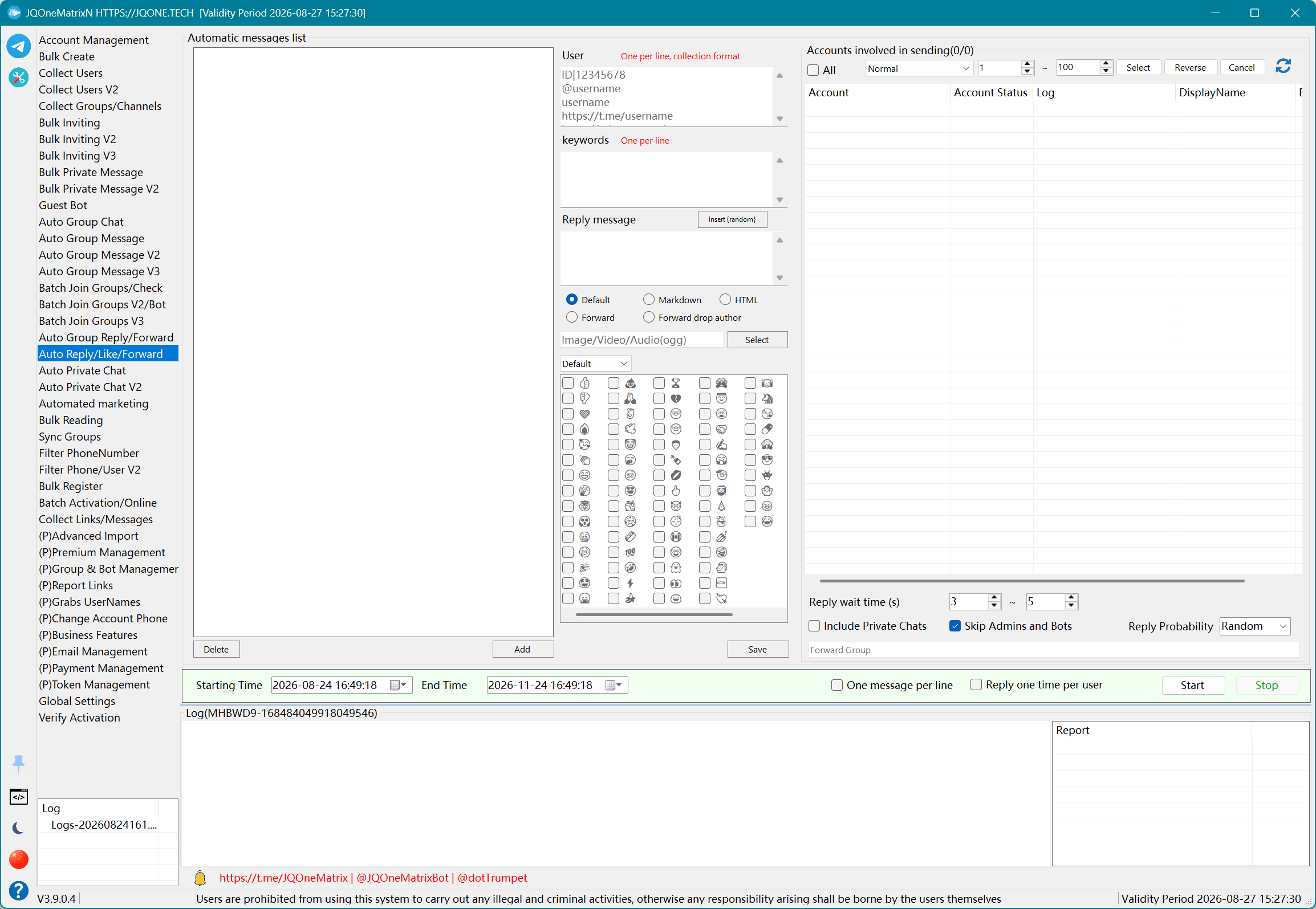
Run account, group, keyword, user, probability and schedule-based interactions.
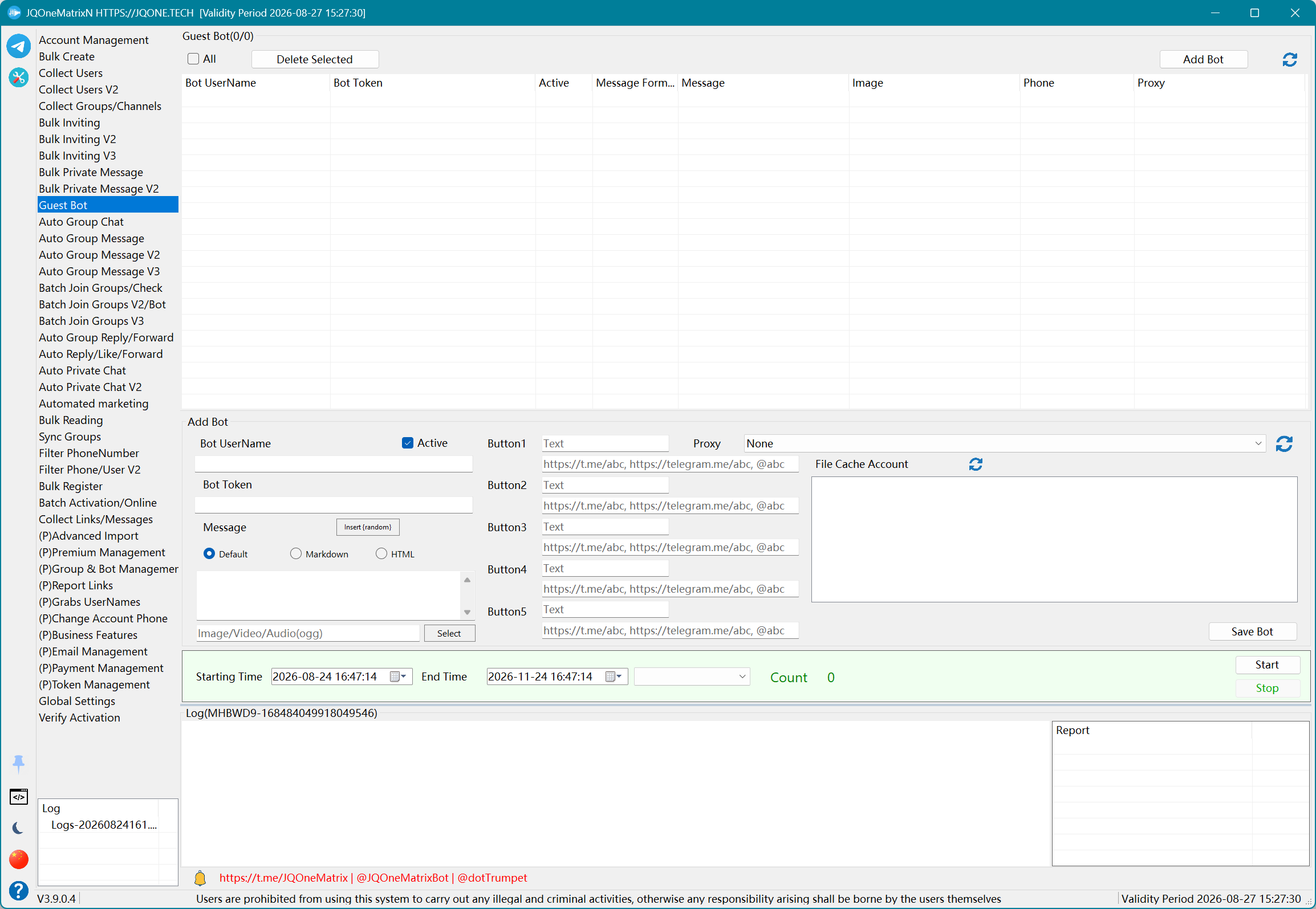
Configure bots, accounts, proxies, formats, media and linked message sets.
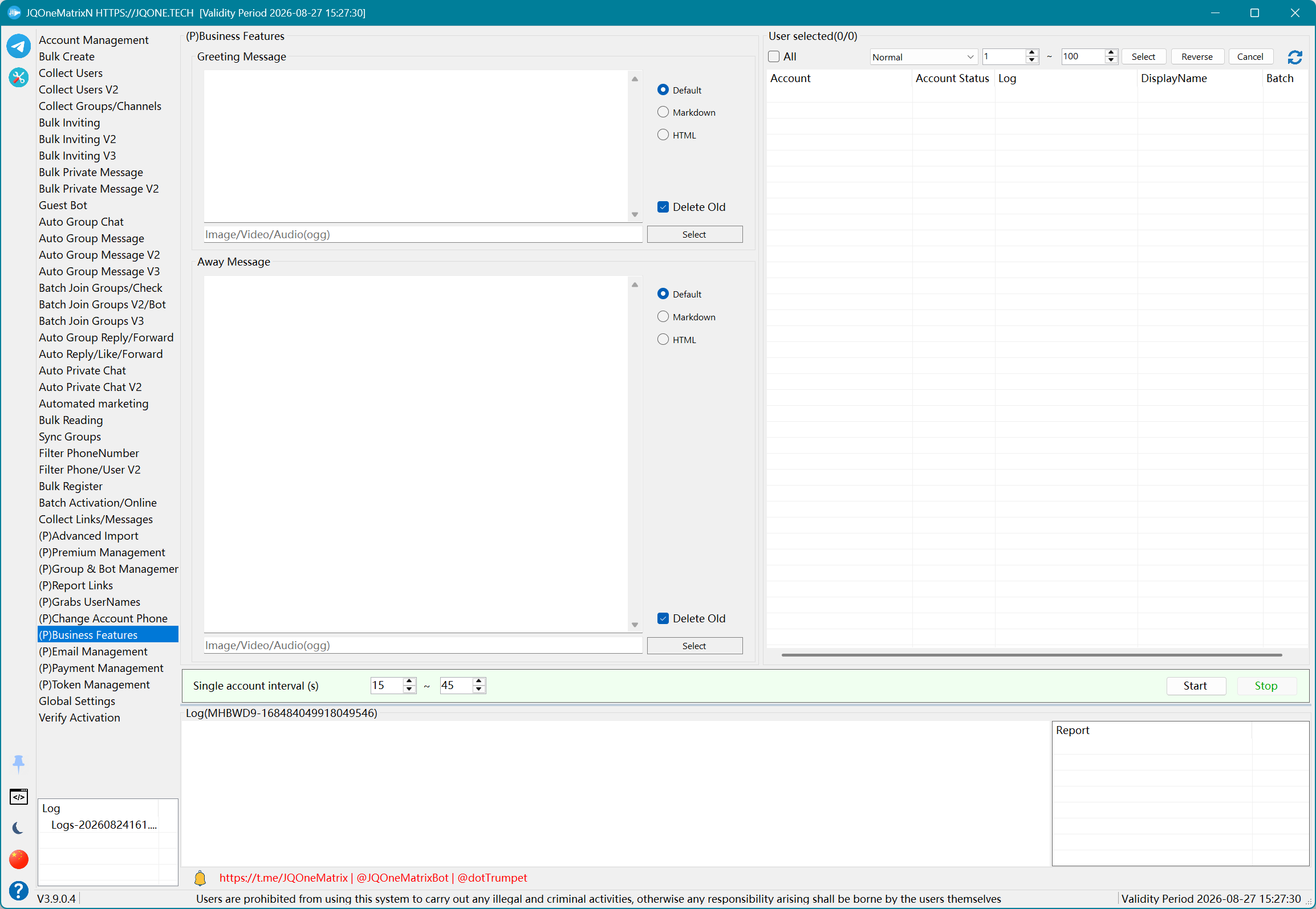
Includes username claiming, phone changes, link reporting and licensed extensions.
How it works
Import Session, TData or Passkey data, then verify logins, account groups and network / proxy status.
Choose a feature and dataset, then configure targets, formats, media, concurrency, timing and stop conditions.
Run a small test before scaling up, and review logs, counters and failed-item lists.
Licensing
Feature entries are license-controlled. Contact support about registration, Premium, Bot management and business modules.
Common account operations and batch workflows.
Registration and additional advanced workflows.
Capabilities combined for a specific team workflow.
JQONE.TECH
Contact support to confirm required capabilities and licensing, or follow the channel for product information.